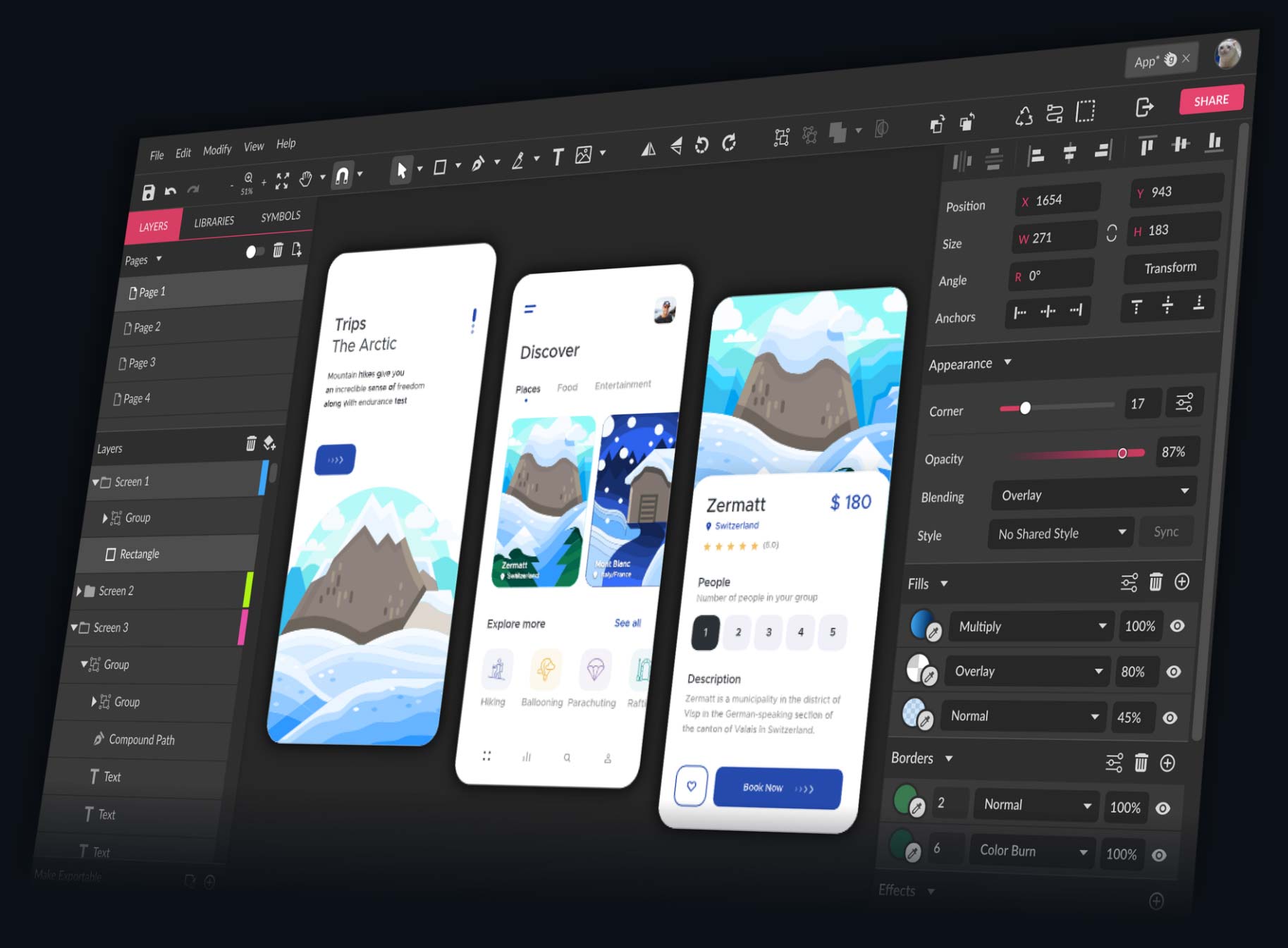
Top 5 Design Tools Compared: Features, Pricing, and User Experience
In the world of design, having the right tools can significantly impact your workflow and the quality of your output. This comparison explores the Top 5 Design Tools based on their features, pricing, and user experience. Each tool comes with its unique strengths, catering to different needs whether you are a graphic designer, UI/UX designer, or an illustrator. Here’s a closer look at how they stack up against each other:
- Adobe Photoshop - Renowned for its powerful image editing capabilities, Photoshop also offers various tools for creating digital art and designs. Pricing starts at $20.99/month with a free trial available.
- Canva - Known for its user-friendly interface, Canva simplifies the design process with templates and drag-and-drop features, making it perfect for beginners. Pricing offers a free version and a Pro option at $12.99/month.
- Sketch - Tailored for UI/UX design, Sketch provides excellent vector-based drawing tools and collaborative features. Priced at $99/year with a 30-day free trial.
- Figma - A browser-based tool that enables real-time collaboration; Figma is ideal for teams working on design projects together. It offers a free tier and a Professional plan at $12/editor/month.
- Affinity Designer - This tool is a cost-effective alternative to Adobe products, offering robust vector and raster design capabilities at a one-time purchase fee of $54.99.
Battle of the Design Titans: Which Software Fits Your Workflow Best?
When it comes to design software, the choice can be overwhelming. The Battle of the Design Titans often comes down to user interface, available features, and integration with other tools. For instance, Adobe Creative Suite, known for its industry-standard applications like Photoshop and Illustrator, offers a plethora of features that appeal to professionals. On the other hand, newer contenders like Figma and Canva are gaining traction due to their user-friendly interfaces and collaborative capabilities. Which software fits your workflow best? It's essential to evaluate what aspects of design you prioritize—whether it's graphic design, web design, or social media content creation.
One key factor in selecting your design software is how well it integrates with your existing projects and workflow. Tools like Sketch allow for seamless transitions between web and mobile design, while Affinity Designer is appreciated for its affordability and powerful feature set. In contrast, if collaboration is paramount, cloud-based options like Figma provide real-time editing capabilities that are game-changers for team projects. Ultimately, the best software for your workflow hinges on your specific needs and preferences, so take the time to trial different platforms and find the right fit for your design journey.
Design Tool Showdown: How to Choose the Right One for Your Needs?
Choosing the right design tool is crucial for ensuring that your creative process runs smoothly and efficiently. With so many options available, it can be overwhelming to find the one that meets your specific needs. To start, consider whether you require tools for graphic design, web design, branding, or illustration. Researching user reviews and feature lists can help you narrow down your options. Additionally, take into account factors such as ease of use, compatibility with existing software, and any unique features that might enhance your workflow.
Once you have a list of potential design tools, it's helpful to create a comparison chart or checklist. This can include aspects like pricing, availability of templates, collaboration features, and customer support options. Don't forget to utilize free trials or demo versions, allowing you to test the tools in real-world scenarios before making a final decision. Ultimately, the right design tool should not only align with your project requirements but also improve your overall productivity and creativity.